Refining capture priorities: balancing system resources when layering browser sources alongside gameplay in extended sessions
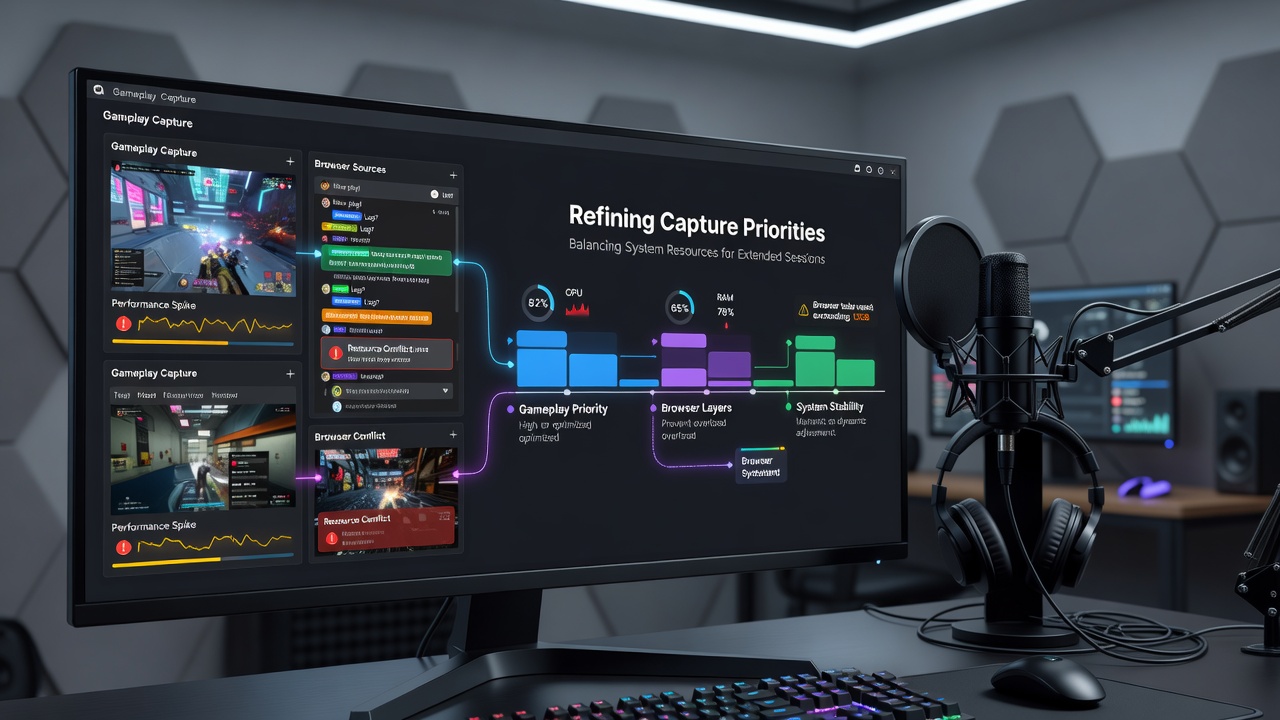
Content creators who manage live transmissions frequently encounter the challenge of maintaining stable performance while combining browser-based elements with direct game captures during prolonged broadcasts, and data from hardware manufacturers shows that CPU and GPU loads can rise sharply when multiple sources compete for the same processing threads.
Resource Demands in Layered Setups
Browser sources pull from web rendering engines that consume additional RAM and processor cycles compared with native game capture methods, whereas gameplay feeds often rely on GPU-accelerated hooks that bypass certain system bottlenecks, and researchers at institutions across Europe have documented how these differences lead to uneven distribution of system resources over time.
Observers note that extended sessions amplify these effects because sustained operation raises component temperatures which in turn triggers thermal throttling in many consumer-grade processors, and figures from industry reports reveal that frame rates can drop by noticeable margins once core usage exceeds 80 percent for several consecutive hours.
Prioritizing Capture Methods
Setting capture priorities begins with assigning higher execution precedence to game capture modules inside streaming software so that essential video output receives first access to available threads while browser sources operate at secondary levels, and this ordering helps preserve input responsiveness during competitive play. Those who have tested such configurations report that adjusting process affinity masks within operating system tools further refines the allocation by restricting browser rendering to specific cores that handle secondary tasks, and this approach leaves primary cores free for encoding and game rendering duties.
Hardware acceleration options within browsers themselves play a supporting role because enabling GPU compositing for overlays reduces the burden on central processors, although compatibility varies across different graphics drivers released in recent cycles.
Handling Extended Broadcast Durations
June 2026 brought updated graphics driver suites that include refined scheduling algorithms for mixed workloads, and these changes allow smoother coexistence between browser instances and high-frame-rate game captures without requiring manual intervention at regular intervals. System monitoring utilities display real-time graphs that track memory leaks common in long-running browser sessions, and data indicates that periodic source restarts at two-hour marks prevent gradual accumulation of unused allocations that would otherwise degrade overall stability.
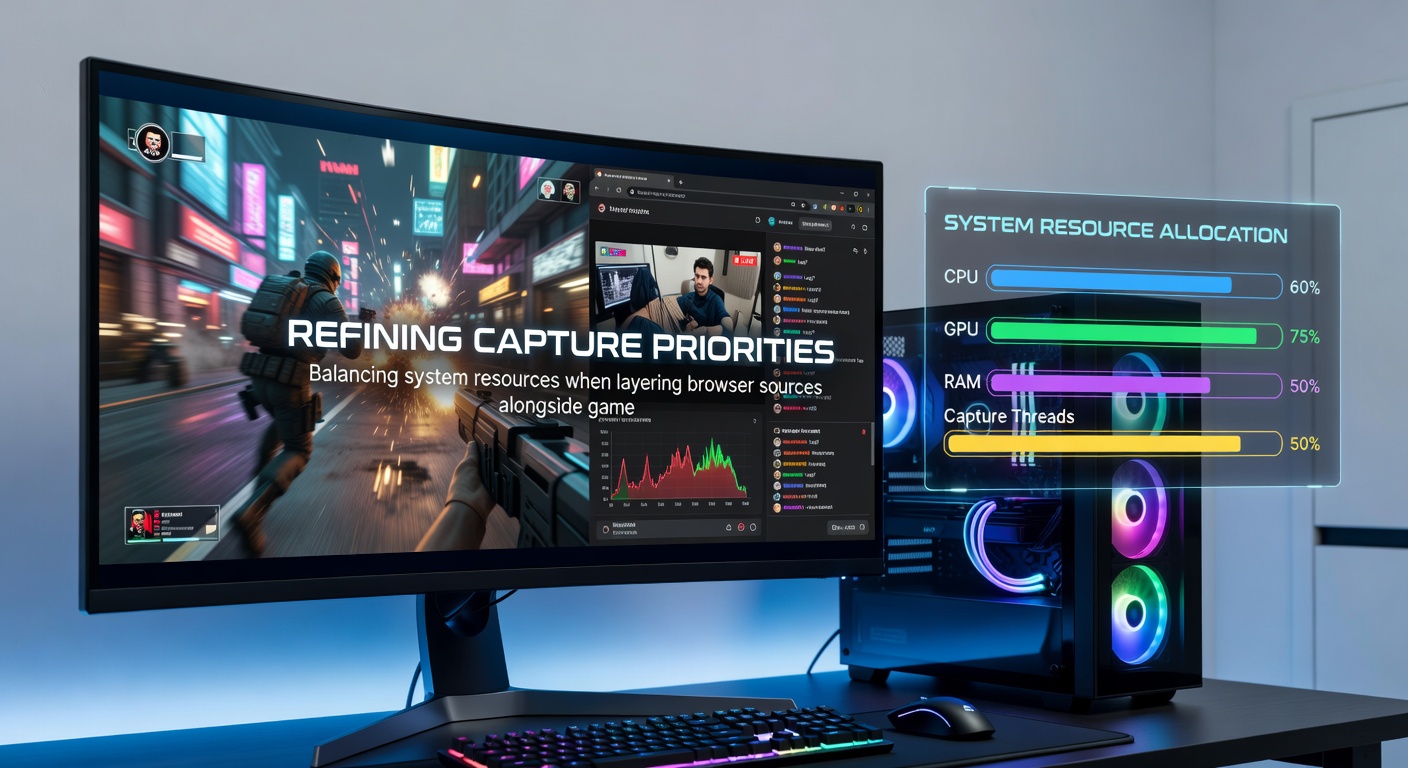
Network-related browser sources such as chat widgets and donation alerts introduce variable latency spikes when they refresh at high frequencies, yet limiting their update intervals to once every few seconds maintains acceptable visual feedback while lowering sustained bandwidth consumption on the host machine.
Practical Configuration Steps
Users begin by reviewing task manager or equivalent utilities to identify which processes dominate resource consumption during test streams, and they then apply affinity adjustments plus priority tweaks directly to the streaming application executable. Encoding presets that favor hardware encoders over software methods further balance the load because dedicated video engines handle compression independently of the cores already occupied by browser rendering, and this separation becomes especially relevant on systems equipped with multiple graphics adapters.
Memory management tools that flush browser caches between scenes provide another layer of control, and evidence from performance studies confirms that these routines reduce the frequency of paging operations that interrupt smooth gameplay capture.
Conclusion
Effective refinement of capture priorities rests on understanding how browser sources interact with game feeds at the hardware level and applying targeted adjustments that preserve headroom throughout lengthy sessions, and ongoing driver and software refinements continue to expand the options available for maintaining consistent output quality under sustained conditions.