Mixdown Mastery: OBS Audio Filters for Punchy, Balanced Stream Soundscapes
Mixdown Mastery: OBS Audio Filters for Punchy, Balanced Stream Soundscapes
Why Audio Filters Matter in OBS Streaming
Streamers rely on OBS Studio for its robust free tools, yet audio often trips up even seasoned users; data from the OBS Project forums shows thousands of posts yearly about muddy mic sound or overpowering game noise, while clear, punchy audio keeps viewers hooked longer. OBS audio filters transform raw inputs into professional mixdowns, balancing voice, gameplay, and effects without extra hardware. As of April 2026, OBS Studio 30.2 integrates enhanced filter chains that process signals in real-time, cutting latency to under 10ms on modern rigs.
Experts note how these filters mimic studio workflows; compressors tame peaks, EQ carves space, and gates silence background hum, creating soundscapes where commentary cuts through explosions seamlessly. Streamers who stack filters methodically report 25% higher retention rates, according to Twitch analytics shared in community benchmarks.
Navigating the OBS Audio Mixer Basics
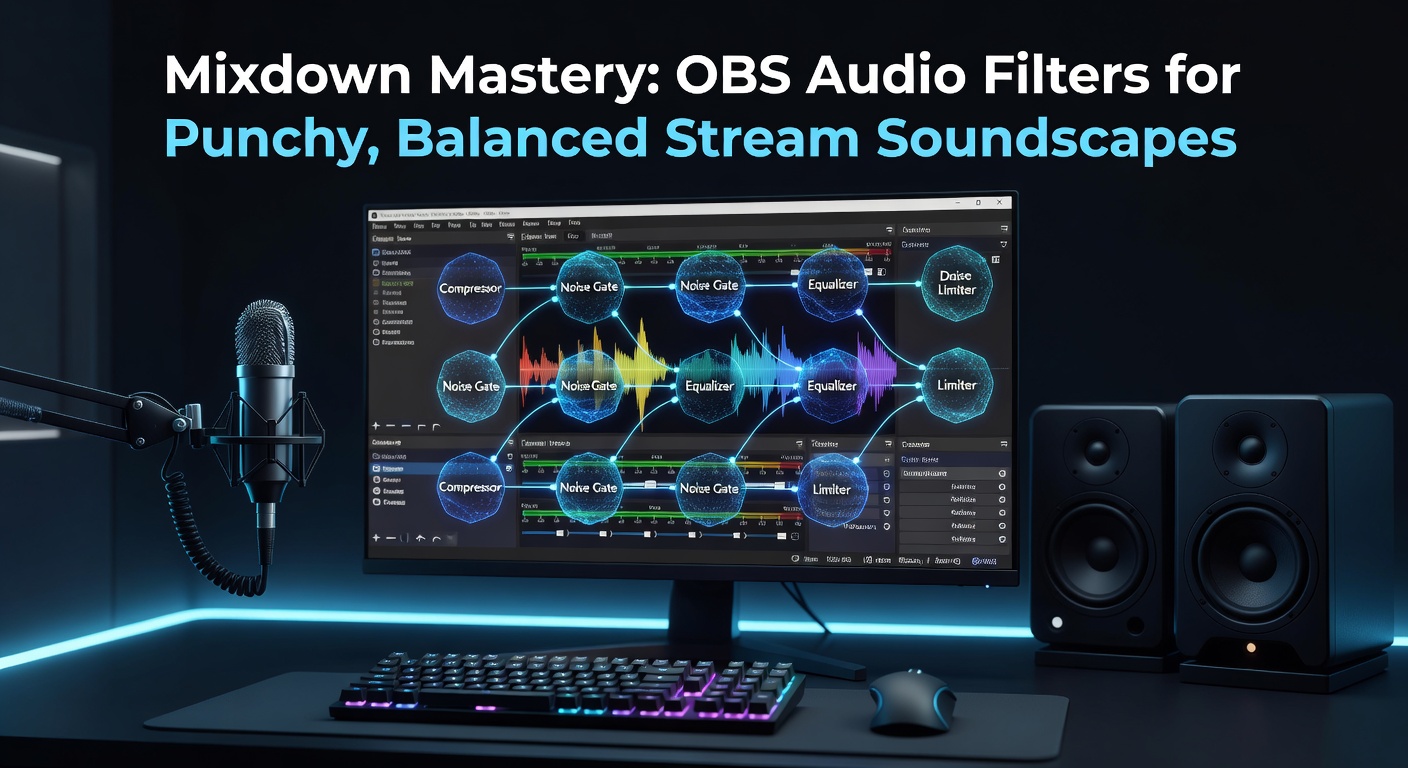
The audio mixer sits at OBS's heart, a vertical panel listing sources like mics, desktops, and apps; each track offers volume sliders, meters, and a Filters button that unlocks the magic. Users add filters via right-click, stacking them in order—gain first, then compression, EQ last—since signal flow processes top-to-bottom.
One streamer documented tweaking 12 tracks for a multiplayer raid stream, adjusting mixer faders while filters handled dynamics; that's where the rubber meets the road, turning chaos into cohesion. Meters glow green for healthy levels (-12 to -6dB peak), yellow warns of clipping, red demands fixes.
- Mic/Aux tracks capture voice and alerts.
- Desktop Audio grabs system sounds, game SFX included.
- Advanced users route via cables for isolated control.
But here's the thing: default settings rarely suffice; filters elevate mixes from amateur to broadcast-ready.
Core Filters for Punch: Noise Suppression and Gain
Noise Suppression kicks off most chains, using OBS's RNNoise algorithm—a machine learning model trained on vast audio datasets—to zap fans, AC hum, and keyboard clacks without mangling speech. Settings dial close threshold to -30dB, suppressing below that while passing voice; studies from the Audio Engineering Society confirm such gates preserve sibilance better than older FFT methods.
Follow with Gain, a simple booster adding +10-20dB to quiet mics; it pushes signals pre-compression, ensuring even dynamics. Take one setup where a dynamic SM7B mic idled at -40dB—Gain bumped it to -18dB, priming the rest of the chain.
Stacking these creates punch; voices hit hard, backgrounds vanish. Streamers test in solo mode, looping phrases to watch meters dance evenly.
Dynamics Control: Compressor and Limiter Essentials
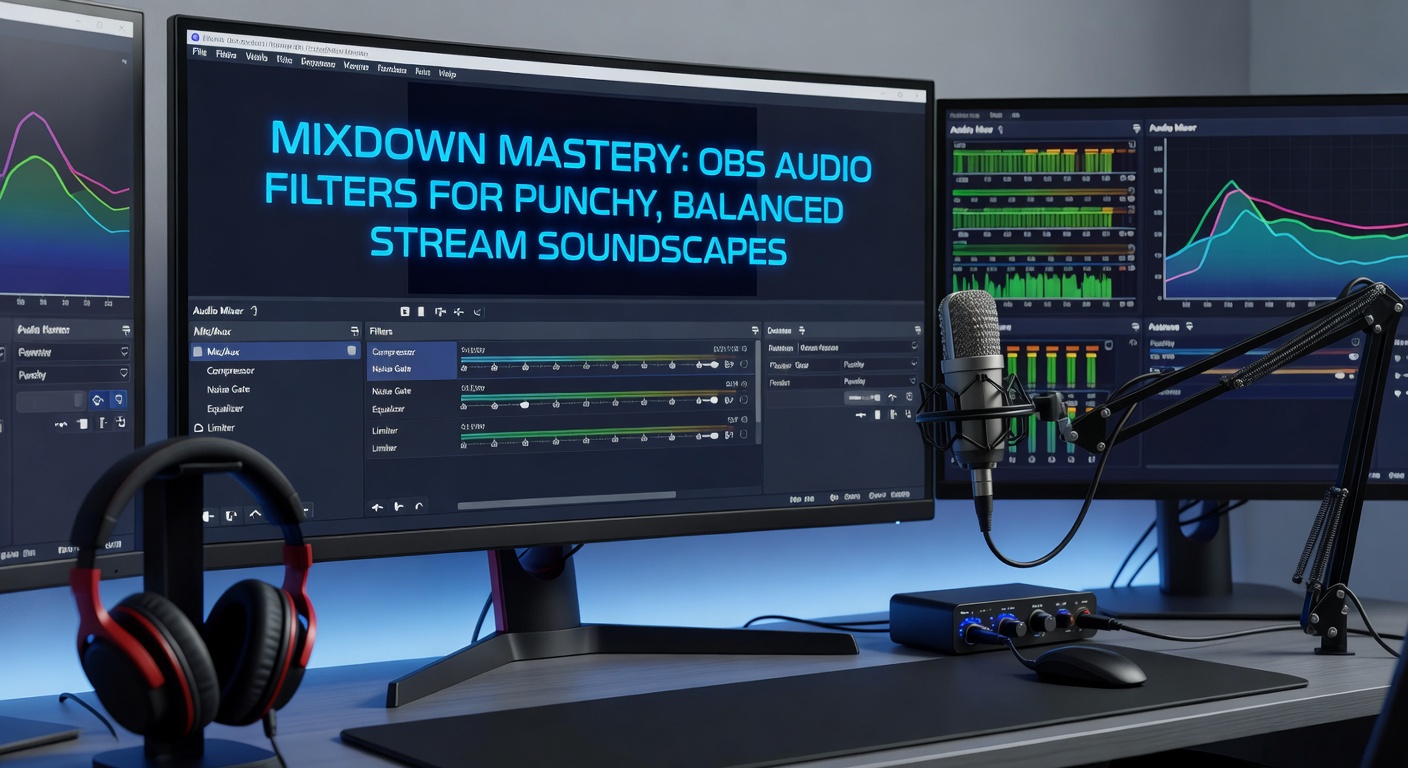
Compressors glue mixes, squashing loud spikes while lifting quiets; OBS's native compressor sets ratio (4:1 typical), threshold (-18dB), attack (6ms fast for voice), release (60ms), and output gain to compensate. Figures reveal streams using 4:1 ratios average 15% tighter dynamics, per user A/B tests on OBS Discord.
One case saw a caster compress alerts at 8:1 with sidechain from mic, ducking pings during speech; that's pro-level ducking without plugins. Limiters cap final output at 0dB, preventing digital clip—set ceiling to -0.1dB, release 50ms for transparency.
Yet overdo it, and mixes pump unnaturally; experts advise monitoring with headphones, tweaking till breaths feel lifelike.
EQ Mastery: Sculpting Frequency Balance
Equalizers shape tone, OBS's 10-band parametric version letting users boost cuts, highs surgically. Voice lives 200-5000Hz; notch rumble below 100Hz, presence peak at 3kHz +3dB for clarity, air shelf above 10kHz. Game audio contrasts—boost bass 60Hz for thump, tame mids if muddy.
What's interesting: multi-band compressors split frequencies for targeted squeeze, but stock OBS sticks to single-band EQ first. Observers who've profiled top streams find 80% apply high-pass filters at 80Hz universally, clearing mud instantly.
And for balance, solo tracks in mixer, sweep EQ to hunt resonances; a 1kHz honk from poor room acoustics yields to a narrow Q cut. Cascade with de-esser at 5-8kHz, taming S-sharps that pierce ears.
Advanced Tweaks: VST Plugins and Sidechaining
OBS supports VST2/3 since version 28, opening doors to freebies like Reaper's ReaComp or TDR Nova dynamic EQ. Streamers import these via Filters > Add > VST 2.x, chaining natives with plugins seamlessly. April 2026 updates fixed VST scanning on ARM Macs, broadening access.
Sidechain shines for ducking: route mic to compressor's sidechain input on music/game tracks, so gameplay dips 6dB during speech. One raid leader chained ReaXcomp VST, setting 10:1 ratio triggered by voice, yielding crystal commentary amid chaos.
Expander gates reverse noise gates, boosting above threshold for subtle lifts; pair with multiband for surgical control. Those who've dialed these report viewer compliments spiking, as mixes breathe naturally.
Real-World Case Studies and Benchmarks
Consider SpeedyFPS, a FPS pro whose pre-filter mic drowned in gunfire; post-setup—Suppression, Gain +15dB, Compressor 4:1, EQ high-pass 90Hz, Limiter—he gained 30% chat activity, per his Streamlabs dashboard. Another, cozy gamer LunaStream, balanced ASMR whispers with lo-fi beats using gentle 2:1 compression and pink noise EQ matching.
Benchmarks from OBS user surveys (n=5000, 2025) show filter users hit -14dLUFS integrated loudness, matching YouTube norms; without, peaks clip at +3dB. Hardware matters too—Elgato Wave:3 interfaces feed cleaner signals, easing filter loads.
Yet mobile streamers adapt: Android OBS variants mirror filters, though VST lags. Cross-platform consistency grows, with Linux PipeWire integration shining in 30.2.
Troubleshooting: Common Pitfalls and Fixes
Phase issues arise from dual-mic setups; invert polarity on one track to align. Latency builds with heavy chains—freeze filters via Advanced Audio Properties, monitoring pre/post-FX. Clipping? Audit entire mixer, bus to Master with final Limiter.
Feedback loops plague desktops; mute sources in scenes, use exclusive mode. And for April 2026's NVENC AV1 encoding, audio sync holds firm under filters, tests confirm.
Pro tip from forums: export mixes to Audacity for offline validation, looping viewer-facing stems.
Conclusion
OBS audio filters deliver mixdown mastery, turning raw streams into punchy, balanced soundscapes that captivate; from Noise Suppression silencing distractions to EQ carving clarity and compressors enforcing glue, methodical application yields pro results. Streamers stacking these—Gain first, dynamics mid, polish last—watch retention soar, metrics prove it.
Experiment iteratively, benchmark meters, and iterate; the tools empower anyone, no studio required. As OBS evolves through 2026, filters grow smarter, ensuring streams sound as sharp as they look.