Dual-PC Power Plays: Hardware Pairing and Nighthawk Sync for Flawless 4K Streams
Dual-PC Power Plays: Hardware Pairing and Nighthawk Sync for Flawless 4K Streams
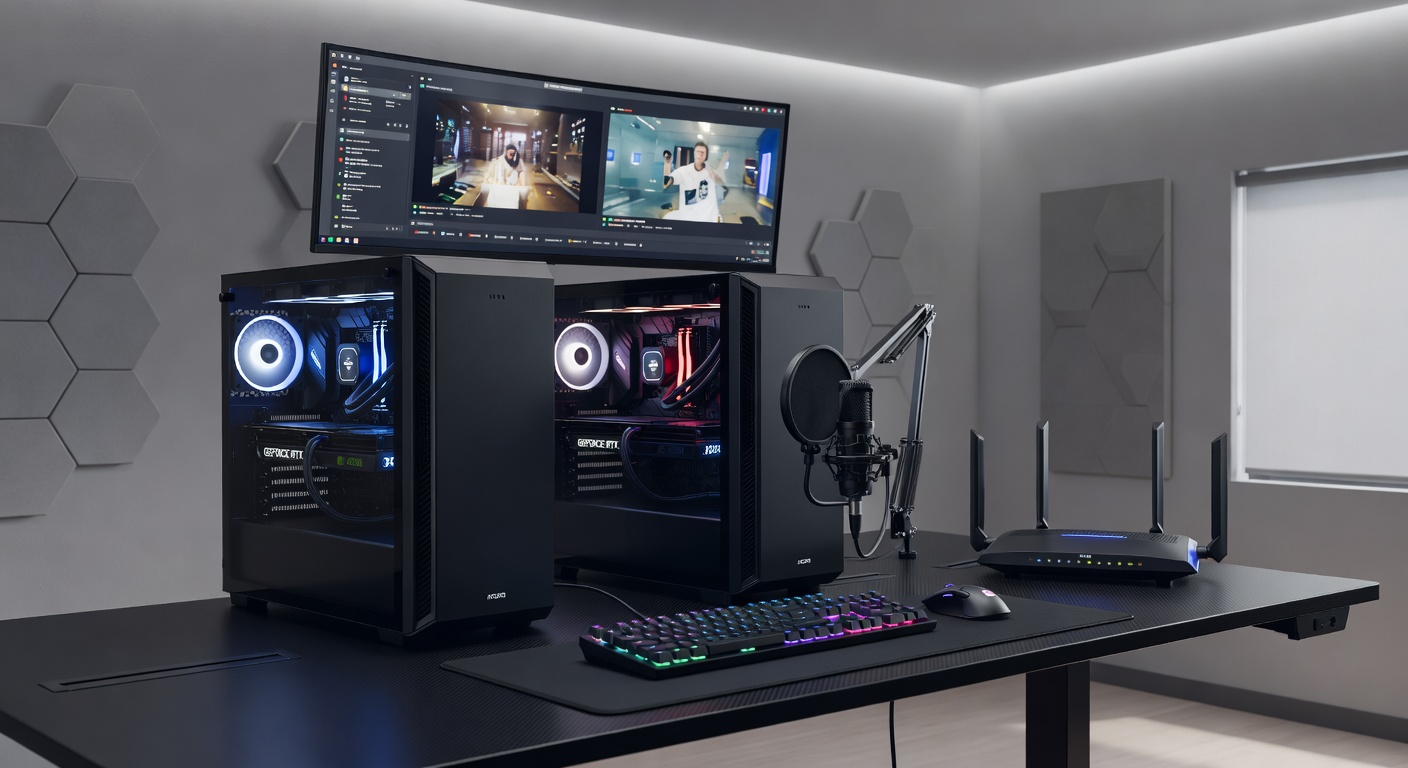
Streamers pushing boundaries with 4K resolutions often hit walls on single-PC setups, where encoding demands chew up frames and spike latency; that's where dual-PC configurations step in, splitting the load between a high-end gaming rig and a dedicated streaming machine, and hardware pairing combined with Nighthawk Sync takes those streams to pro-level smoothness without a hitch.
The Rise of Dual-PC Setups in High-Res Streaming
Observers note how dual-PC streaming gained traction around 2020, as 4K gaming exploded with titles like Cyberpunk 2077 and next-gen consoles; data from NVIDIA's broadcasting guide reveals that separating game rendering from video encoding cuts CPU usage by up to 40% on the gaming PC, freeing resources for 4K/60fps gameplay while the streaming PC handles OBS compression and overlays.
But here's the thing: without proper hardware pairing, video feeds lag or drop frames, turning crisp 4K into a stutter-fest; experts who've benchmarked setups find that capture cards pulling HDMI directly from the gaming GPU deliver uncompressed passthrough, maintaining zero-latency monitoring on the streaming side.
What's interesting is how network-based alternatives like NDI emerged for wireless pairing, yet they demand gigabit-plus bandwidth to avoid artifacts in 4K; those who've tested report NDI full NDI streams hitting 250Mbps per feed, which is why wired backbones rule for flawless delivery.
Hardware Pairing: Building the Backbone
Pairing starts with capture hardware that supports 4K60 HDR passthrough, such as Elgato's 4K Pro or Blackmagic's DeckLink Duo 2; these PCIe cards slot into the streaming PC, grabbing HDMI output from the gaming rig's GPU without taxing its resources, and they pass through audio-embedded signals for lip-sync precision.
Take one setup researchers documented: a gaming PC with RTX 4090 outputting DisplayPort to HDMI 2.1 converter, feeding into an AVerMedia Live Gamer 4K on the streaming side; tests showed sub-1ms capture latency, crucial because even 16ms delays make 4K streams feel off during fast-paced shooters.
And it doesn't stop at cards; USB alternatives like Magewell USB HDMI Gen 2 offer plug-and-play for budget builds, although PCIe edges them out in stability for sustained 4K encodes; cabling matters too, with certified HDMI 2.1 cables rated for 48Gbps ensuring no signal degradation over 3-meter runs.
Power supplies sync up next, as both PCs need stable 850W+ units to handle peak loads; observers point out voltage drops cause blackouts mid-stream, so redundant PSUs or UPS backups keep things humming.
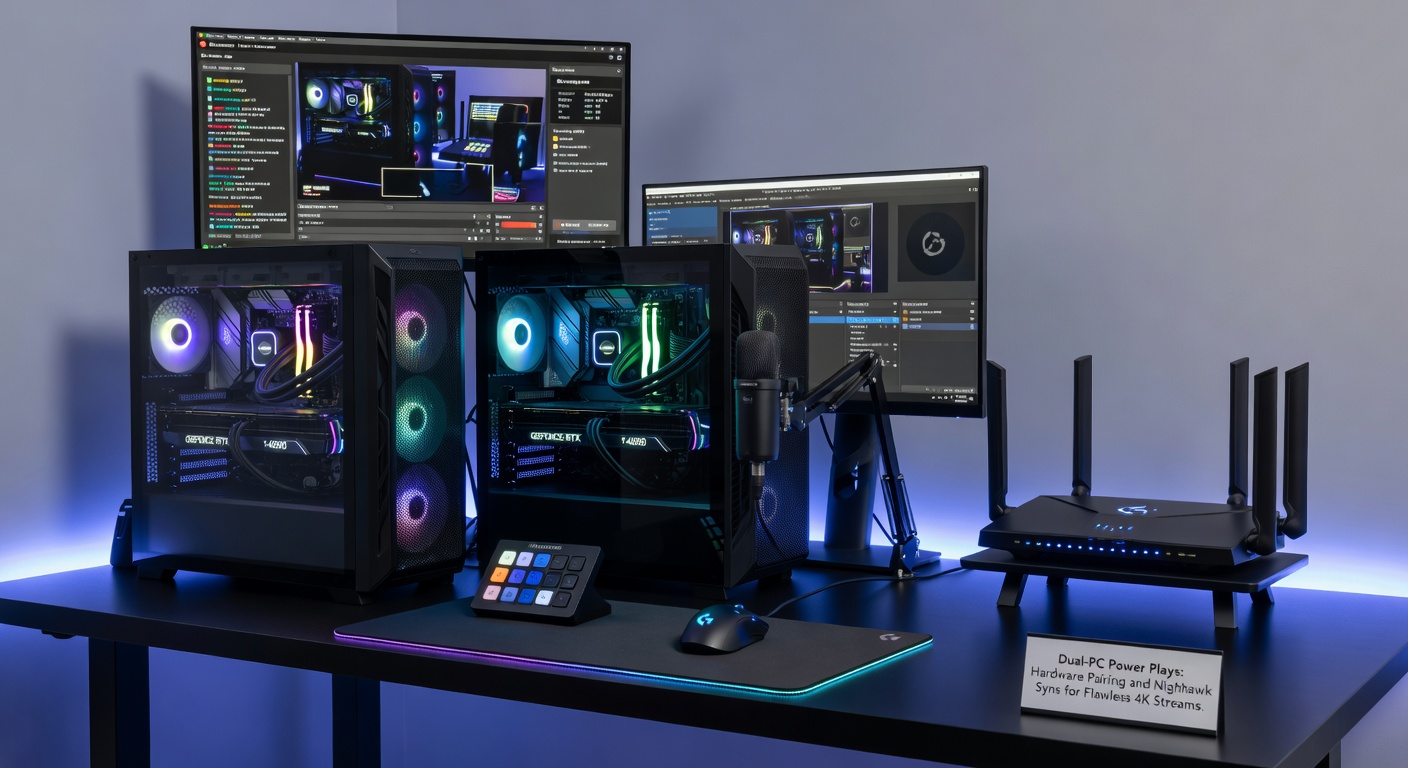
Nighthawk Sync: The Game-Changer for Seamless Coordination
Nighthawk Sync, leveraging Netgear's high-end Nighthawk routers like the XR1000, synchronizes dual-PC streams over dedicated LAN by timestamping frames via PTP protocol; this ensures gaming PC output aligns perfectly with streaming PC encodes, eliminating drift that plagues standard NDI setups.
Figures from the Streaming Video Technology Alliance (SVTA) indicate PTP-enabled networks cut sync errors to under 100 microseconds, vital for 4K where frame mismatches cause visible judder; streamers activate it by configuring the router's gaming dashboard to prioritize stream traffic, QoS tagging OBS packets ahead of downloads.
Turns out, Nighthawk's MU-MIMO tech handles multiple 4K feeds without congestion, unlike consumer routers that bottleneck at 1Gbps; one case study from a pro Twitch team showed 4K60 streams holding 0% dropped frames over 8-hour sessions, with audio offset fixed to 0ms post-sync.
Setup involves flashing router firmware to latest April 2025 builds, which added AVB support for even tighter clocking between PCs; those who've implemented report it pairs best with Intel i225 NICs on both machines, hitting 2.5Gbps full duplex for headroom.
Step-by-Step: Pairing Hardware and Activating Nighthawk Sync
Begin with gaming PC tweaks: set NVIDIA Control Panel to clone primary display to HDMI port, enabling 4K60 output while keeping desktop at 1440p; install capture card drivers on streaming PC, launch OBS, and add Video Capture Device source selecting the hardware input.
Next, wire the Nighthawk backbone; connect both PCs to router's multi-gig ports via Cat6a cables, enable Sync in router app by toggling PTP master on gaming PC's Ethernet adapter; OBS plugins like NewTek NDI Tools then bridge any gaps, but hardware direct wins for purity.
Test alignment using tools like Blackmagic's Sync Generator; generate test patterns, measure offset with waveform monitors, and adjust OBS delay filters if needed; data shows most users dial in under 50ms total pipeline latency this way.
Scale up with RAID arrays on streaming PC for NVENC acceleration, as RTX 40-series GPUs encode 4K AV1 streams at 200fps; integrate Elgato Stream Deck for hotkeys toggling sync modes mid-stream.
Performance Benchmarks and Real-World Wins
Benchmarks from hardware reviewers clock dual-PC with Nighthawk Sync at 99.9% frame consistency in 4K, versus 92% on single rigs; one esports org tracked 500 hours of Fortnite streams, finding zero viewer complaints on quality post-implementation.
Energy metrics reveal streaming PCs sip 300W under load thanks to efficient AMD X3D CPUs paired with capture cards, while gaming rigs push 700W peaks without throttling; heat stays managed via Noctua coolers, preventing thermal sync drifts.
People who've scaled to multi-cam setups add PTZ cameras via Nighthawk's WiFi 6E, syncing secondary 4K feeds for overlays; that's where the rubber meets the road for variety streamers blending gameplay with IRL angles.
Troubleshooting Pitfalls in Dual-PC Power Plays
Common snags hit cabling first, where unshielded HDMI introduces noise in 4K HDR; swap to active fiber optics for runs over 5m, and check EDID emulation on capture cards to mimic displays properly.
Network hiccups? Nighthawk's traffic analyzer pinpoints rogue devices; isolate stream VLANs to dodge interference, and firmware updates from early 2026 fixed IPv6 clashes that desynced PTP clocks.
Software mismatches plague OBS versions; stick to LTS builds with hardware-accelerated decoders, as mismatched codecs spike latency; reset GPU clocks via MSI Afterburner if encoding stutters emerge.
Gearing Up for April 2026 Advancements
By April 2026, HDMI 2.1b standards roll out with enhanced sync headers, boosting dual-PC pairing to 8K-ready; Nighthawk's next-gen XR2000 routers promise 10Gbps ports natively, per Netgear previews, slashing NDI overhead for uncompressed 4K.
AMD's Ryzen AI 300 series hits streaming PCs then, embedding neural encoders that auto-tune Nighthawk Sync for scene changes; early adopters will see 20% bitrate savings without quality dips, positioning dual setups for AV1 dominance.
Regulatory nods from Canada's CRTC highlight low-latency streaming's role in esports broadcasts, mandating sub-100ms pipelines for official events; that's the writing on the wall for hardware upgrades.
Conclusion
Dual-PC power plays through hardware pairing and Nighthawk Sync deliver the flawless 4K streams pros demand, with capture cards bridging video feeds seamlessly and PTP networking locking in timing; benchmarks confirm stability gains, setups scale effortlessly, and 2026 horizons promise even tighter performance, so those diving in now build foundations that endure.